





The home for the manga you own. Add every volume in its exact edition, shelve it in 3D, read through your backlog, and keep the moments you loved.
Four stages, one shelf. Every volume moves through them, and what you keep shows you what to collect next.
Search a series, pick the exact edition on your shelf and add every volume in one tap. Gaps go to your wishlist.
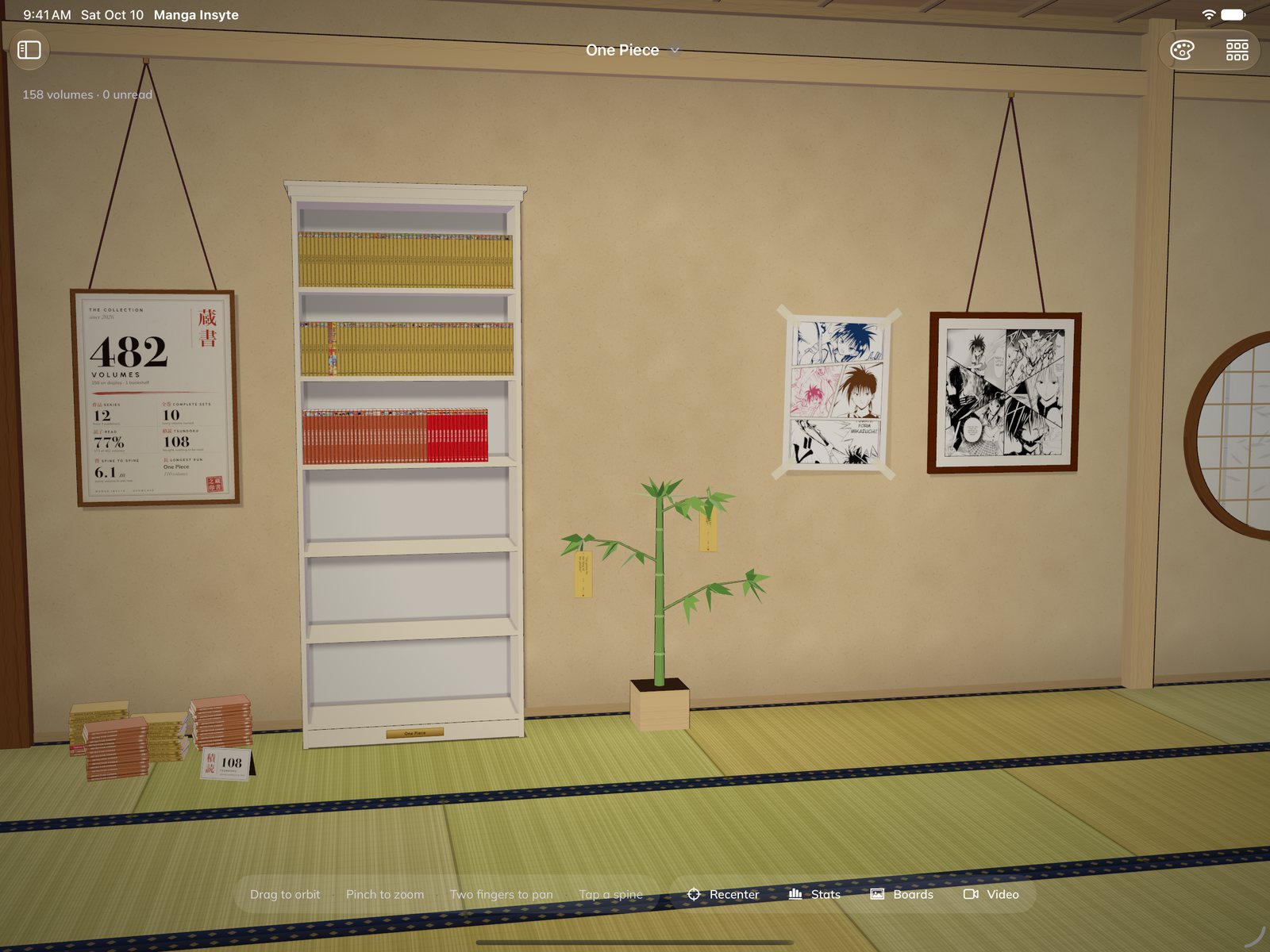
Build the bookcases from your room, place each volume, then walk around them in the 3D Showcase.
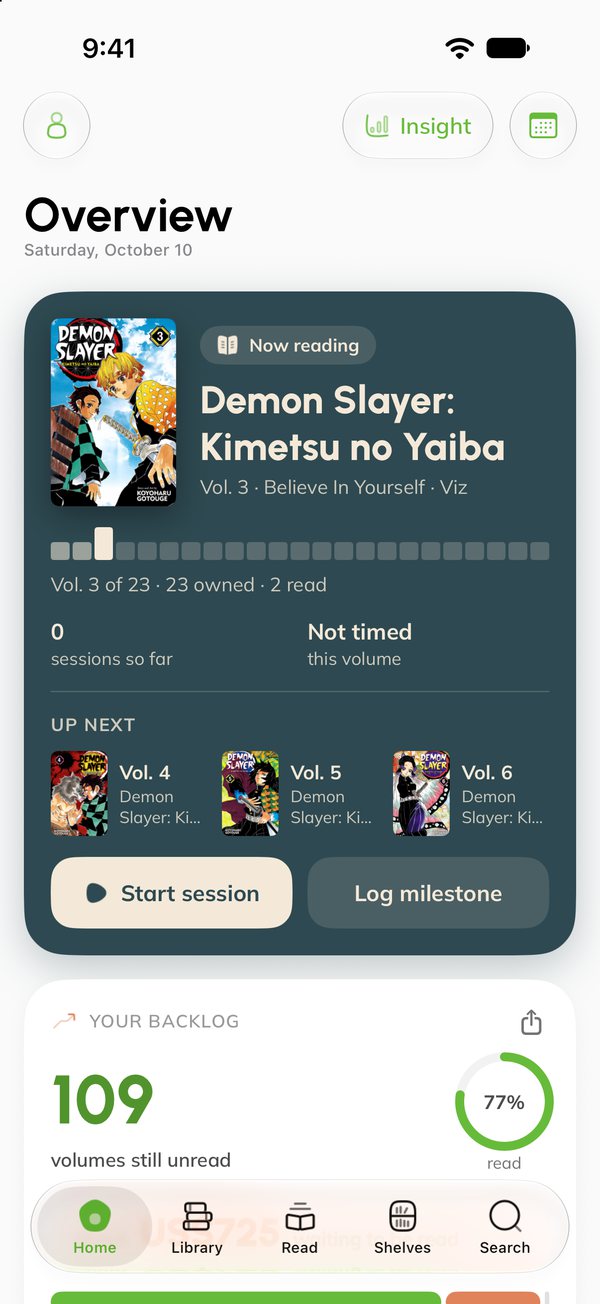
Line up your backlog, time each sitting and pick up where you left off, right from your Home Screen.
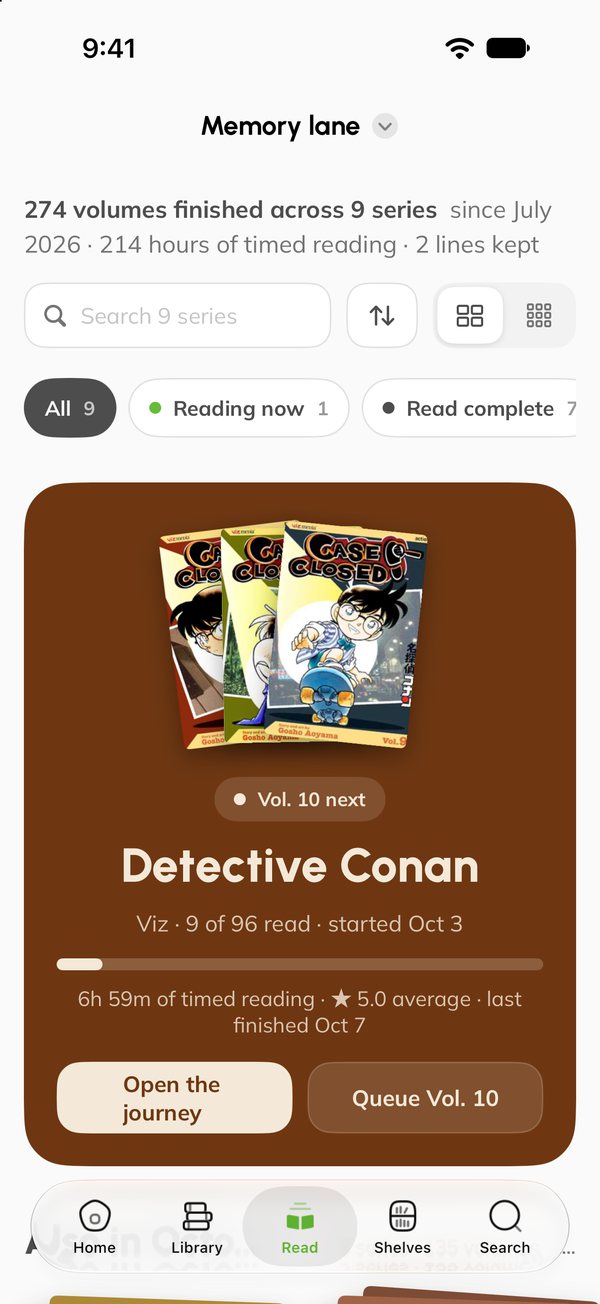
Cut out the panels you loved, save the lines, pin them to boards and keep a Memory Lane for every series.
The way back. Collection Insight shows what’s missing and what to read next, and the pictures you share bring new collectors in. See how
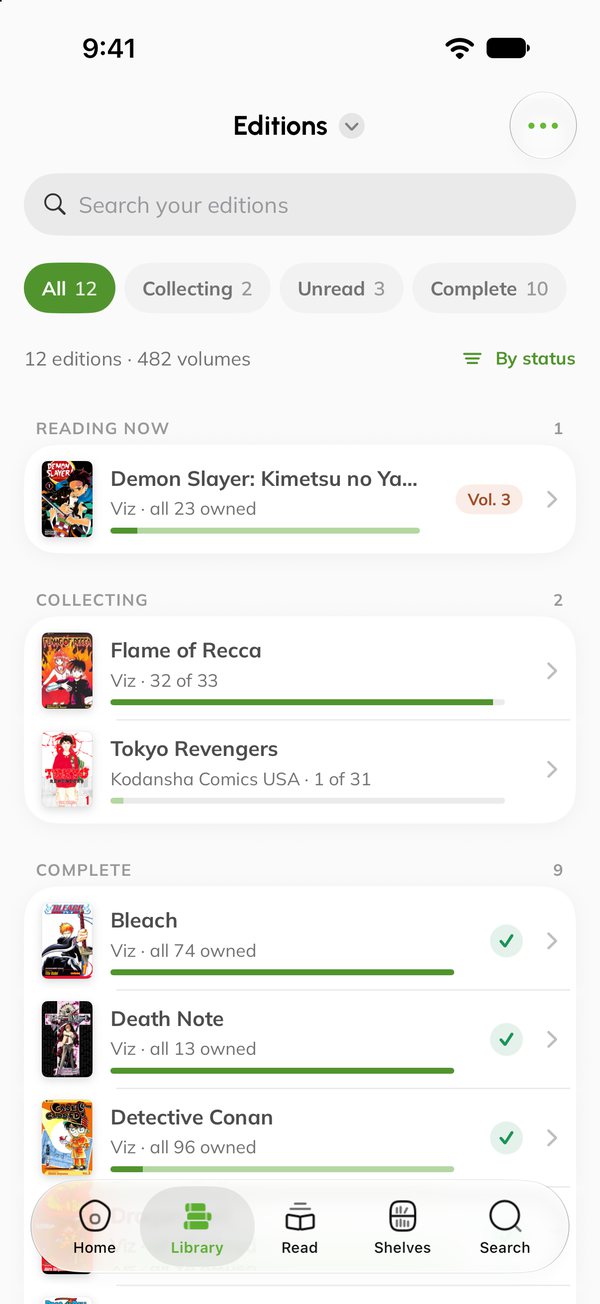
The exact edition on your shelf, every volume and copy in it, and how much of it you still haven’t read.

Find any series, or browse what’s new, then pick the edition you actually own.
“I own up to vol. 37” adds the set. Or pick volumes one by one.
Point the camera at the back of a volume and it’s in.
Coming from MyAnimeList or AniList? Import it and choose the editions.
Not in the catalog? Add it in a minute, and MangaBaka fills in the details.
Price 37 volumes at once, or mark a run read, in one sheet.
A reading copy and a keeper, each with its own condition, price and shop.
Who borrowed what, since when, and every loan before it.
Gaps and wants in one basket, with a shop search for every volume.
New volumes for the editions you collect, with a reminder on release day.
Unread, spent, what’s missing and what’s closest to complete, across everything.
Export to CSV, an Excel workbook or Notion whenever you like.
Build the bookcase you actually own, put every volume where it really sits, then walk around it in 3D.
Start from 8 types, then set columns, doors, LED strips and colours.
New ones go next to their series. Plan it places a whole batch.
Drag spines into order, or reorder a shelf as a list.
Where’s vol. 12? It lights up on the shelf.
Your backlog, lit up right on the shelf.
Volumes that aren’t on a shelf yet wait in one list, ready to place.
A walk-through of your shelves, ready to share.
One for the living room, one for the bedroom.
Drag to turn it · Tap a spine to pull it outPick up the next volume, start the timer, and let the room go quiet. Every sitting is counted.
Stack what’s next and drag to reorder. It suggests the next volume of the series you’re reading.
A timer for every sitting. Pause, pick it up later, then log it.
Your volume floats in 3D over a quiet clock, in the colours of its series.
No timer? Jot a moment: a note and how it felt.
After a few timed volumes, every book on the pile gets its own estimate.
On iPhone the session stays on the Lock Screen and in the Dynamic Island.
The top of your pile on the Home Screen. Tap it and you’re back in the book.
Stamp it read with the date, a photo and a caption.
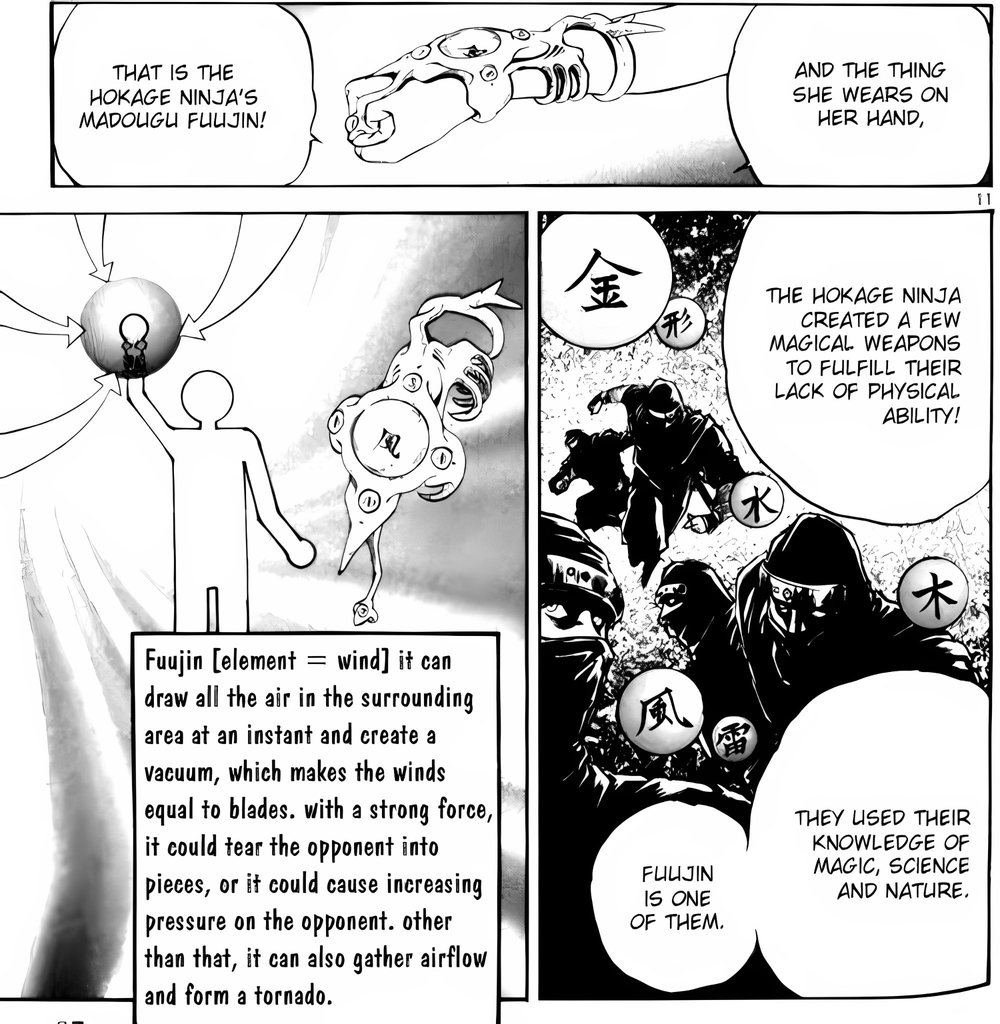
The panels and lines you loved, cut from your own books. Kept on a page, a board and a wall.
Photograph the page. The app finds the panels, you tap the one you want, and it comes out clean.


Write by hand or type, stick your panels on, and stamp the page when you finish.
This page! Read it twice before I could turn over.

Keeping this one for the board. Next up: vol. 2, tonight.
!!★★★★☆Drag panels onto a board, resize and turn them, and add a speech bubble.


Your boards in frames on the wall, your lines on the bamboo, and your shelves across the room. Walk around it in 3D.

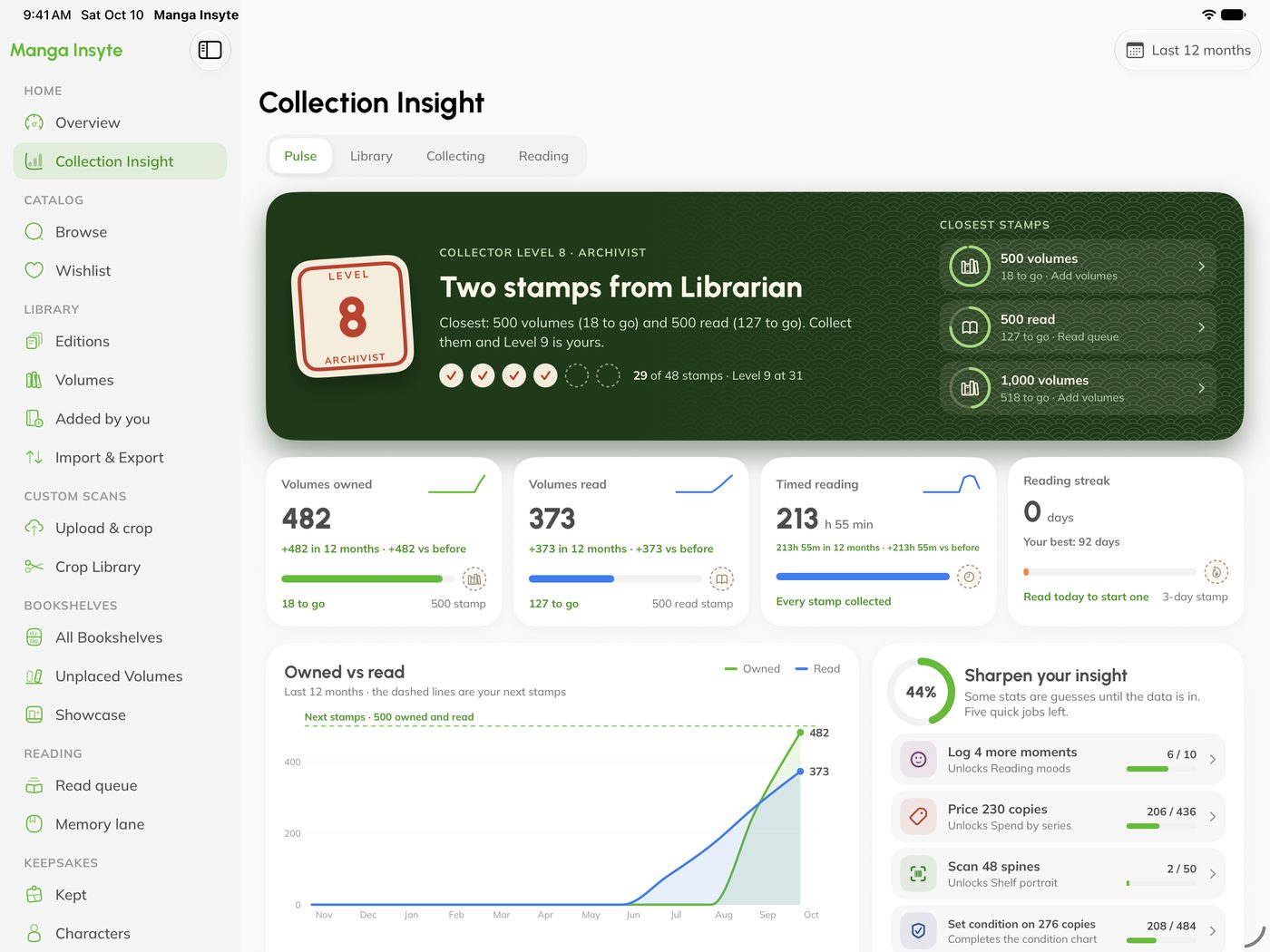
What’s missing, what to read next, and pictures of your shelf that bring new collectors in.

What you own against what you’ve read, the sets you’ve completed, your reading pace and what the shelf has cost so far. Milestones get a stamp.
The numbers here are from our own shelf.The same library on iPhone, synced with your iPad. Add a volume in the shop, arrange it at home.


No trial, no card. Free is the trial, and nothing you add is ever hidden or deleted.

One payment, Pro for as long as Manga Insyte offers Pro, and a number that’s yours. Only 200 will ever exist, and they go to the people who were here first.
Yes, for up to 1,000 volumes, with every share image and video. There’s no trial to cancel, because Free is the trial.
Yes. Each edition is tracked on its own, with its own covers and its own gaps.
Yes, import it in a minute, then mark which editions you own. You can export to CSV, Excel or Notion any time.
iPhone and iPad, on iOS 18 or later, synced through your account. Android and a web app are on the way.
Clean-up happens on your device. On Free, kept panels stay on your device; with Pro they sync to all your devices.
No ads and no tracking, on Free or on Pro.

Coming soon to iPhone and iPad. Start with what’s already on your shelf.